
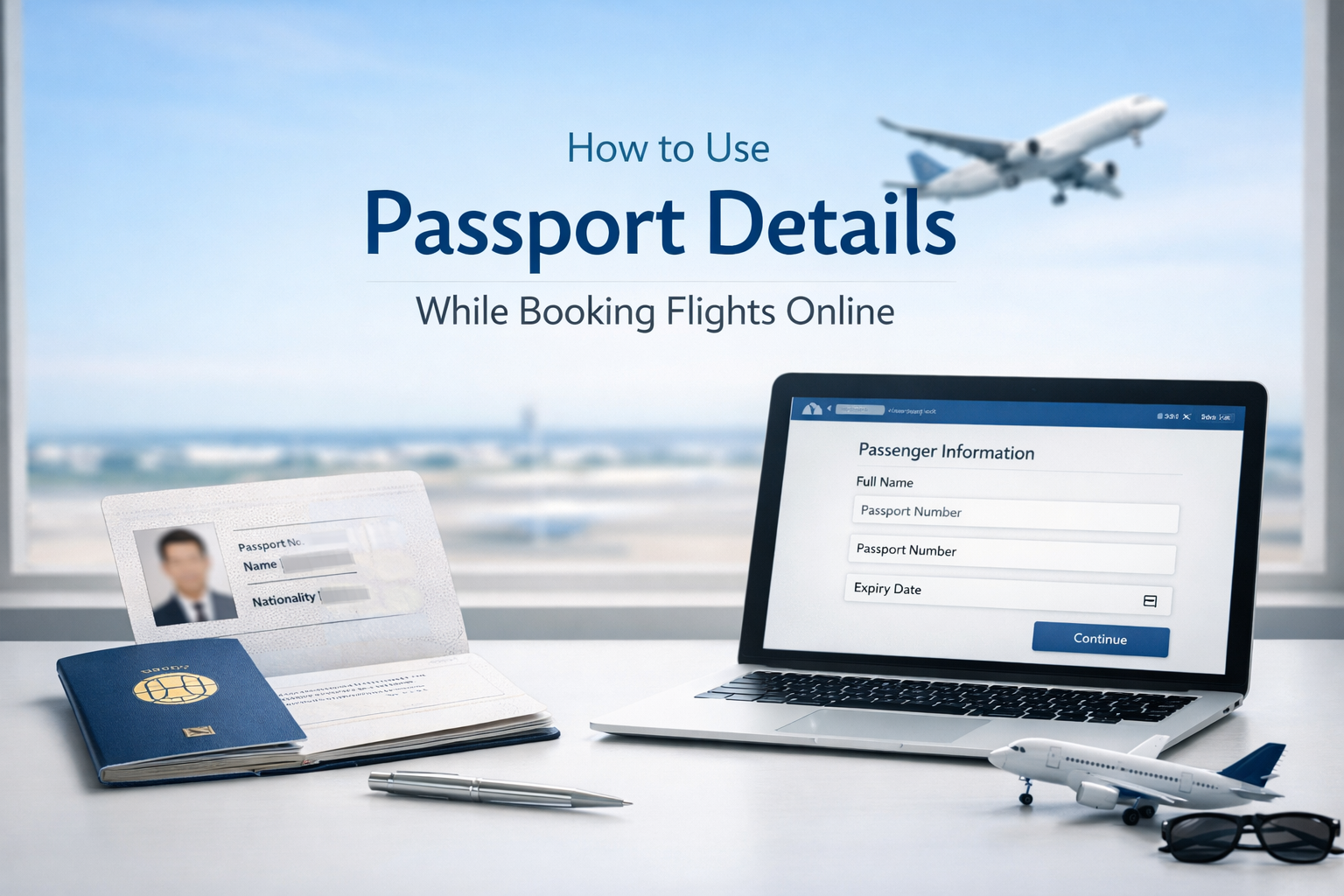
How to Use Passport Details While Booking Flights Online
Booking an international flight today is easier than ever—but one small mistake in your passport details can lead to denied boarding, extra charges, or even visa issues.
Whether you’re a first-time traveler or a frequent flyer, understanding how to correctly enter passport details during online booking is essential.
This guide walks you through everything—step-by-step—along with expert tips to avoid costly errors.
📘 Why Passport Details Are Required in Flight Booking
For international travel, airlines require passport information to:
- Verify your identity
- Comply with immigration and security regulations
- Match your ticket with official travel documents
- Pre-submit traveler data to destination countries (API system)
Without accurate passport details, your booking may become invalid.
🧾 What Passport Details Are Required?
When booking a flight online, you’ll typically need to enter the following:
1. Full Name (Exactly as in Passport)
- Must match letter-by-letter
- Includes first name, middle name (if applicable), and surname
👉 Example:
If your passport says John Smith, you must enter the same format.
2. Passport Number
- A unique alphanumeric code
- Found on the passport’s main page
⚠️ Double-check carefully—this is the most critical field.
3. Passport Expiry Date
- Must be valid for at least 6 months beyond your travel date (for most countries)
4. Passport Issuing Country
- Country that issued your passport (e.g., India, UAE, UK)
5. Date of Birth & Gender
- Must match exactly with passport records
6. Nationality
- Usually same as issuing country, but not always
🛫 Step-by-Step: How to Enter Passport Details While Booking
Step 1: Select Your Flight
Choose your route, travel dates, and preferred airline.
Step 2: Enter Passenger Information
You’ll see a section like:
- Traveler Details
- Passenger Info
- Secure Flight Information
Step 3: Fill Passport Details
Carefully input:
- Full Name (as per passport)
- Passport Number
- Expiry Date
- Nationality
Step 4: Review Before Payment
Before confirming:
✔ Check spelling
✔ Verify passport number
✔ Confirm expiry date
Step 5: Complete Booking
Proceed to payment and receive your e-ticket.
⚠️ Common Mistakes to Avoid
❌ 1. Name Mismatch
Even a small spelling error can cause issues at check-in.
❌ 2. Using Nicknames
Never use short names like “Nirav M” instead of full legal name.
❌ 3. Wrong Passport Number
A single wrong digit can invalidate your ticket.
❌ 4. Expired Passport
Some travelers forget to check validity requirements.
❌ 5. Skipping Middle Name
If your passport includes it, include it in booking.
🌍 Do All Airlines Require Passport Details at Booking?
Not always.
- Some airlines allow booking without passport details
- But you must add them later during:
- Online check-in
- Airport check-in
👉 Best practice: Add passport details during booking itself
🔄 Can You Update Passport Details Later?
Yes, in most cases.
You can:
- Log into your airline booking
- Update passenger information
- Contact customer support
⚠️ However:
- Some airlines charge correction fees
- Major errors may require ticket reissue
💡 Pro Tips for Hassle-Free Booking
✔ Take a clear photo of your passport before booking
✔ Copy-paste details instead of typing manually
✔ Use autofill carefully
✔ Always re-check before payment
✔ Keep passport handy during booking
🧠 Advanced Insight: Why Accuracy Matters More Than Ever
Modern travel systems use API (Advance Passenger Information) to send your data to immigration before you even arrive.
Incorrect passport details can result in:
- Denied boarding
- Immigration delays
- Visa rejection risks
📱 Booking Through Mobile vs Desktop
Mobile Booking:
- Convenient
- Higher chance of typing errors
Desktop Booking:
- Better visibility
- Easier to cross-check details
👉 Recommendation: Use desktop for international bookings when possible.
🧳 Special Cases
👶 Infants & Children
- Must have separate passport
- Details required just like adults
🛂 Dual Citizenship
- Use the passport relevant to your destination visa
✈️ Transit Flights
- Passport must meet requirements for transit countries too
🔐 Is It Safe to Enter Passport Details Online?
Yes—if you book through:
- Official airline websites
- Trusted travel platforms
Look for:
- HTTPS (secure connection)
- Verified platforms
🚀 Why Jetnook Gives You the Best Ticket Prices
When it comes to booking flights smartly, Jetnook stands out by combining technology, pricing intelligence, and travel expertise.
Here’s why Jetnook offers the best prices:
💰 1. Smart Fare Aggregation
Jetnook scans multiple airlines and consolidators to find the lowest fares instantly.
📊 2. Dynamic Pricing Intelligence
Advanced algorithms predict price trends and suggest the best booking time.
🌍 3. Exclusive B2B & Wholesale Deals
Access to hidden fares not visible on regular platforms.
⚡ 4. Real-Time Fare Optimization
Prices are constantly updated to ensure you never overpay.
🧠 5. Travel-Tech Driven Platform
Built with modern technology tailored for:
- Travel agencies
- Consultants
- Frequent travelers
🎯 6. Personalized Booking Experience
Recommendations based on your travel patterns and preferences.
✨ Final Thoughts
Entering passport details correctly during flight booking is not just a formality—it’s a critical step that ensures smooth travel.
A few extra seconds of verification can save you from:
- Expensive corrections
- Missed flights
- Travel stress
So next time you book a flight, treat your passport details like your boarding pass—precise and perfect.